PhotoSheet Pro — Create passport & ID photo sheets and exact-size print layouts for A4, 4×6, and 10×15. Export print-ready PDFs at 300 DPI — try free in your browser. https://photosheetpro.com
PhotoSheet Pro
Exact-size print sheets —A4, 10×15, 4×6 — ready for your printer.
Arrange photos at true size on A4 & 4×6 sheets. Passport Studio when you need ID photos. Private, in your browser.
Free to try · No account required · Photos stay on your device
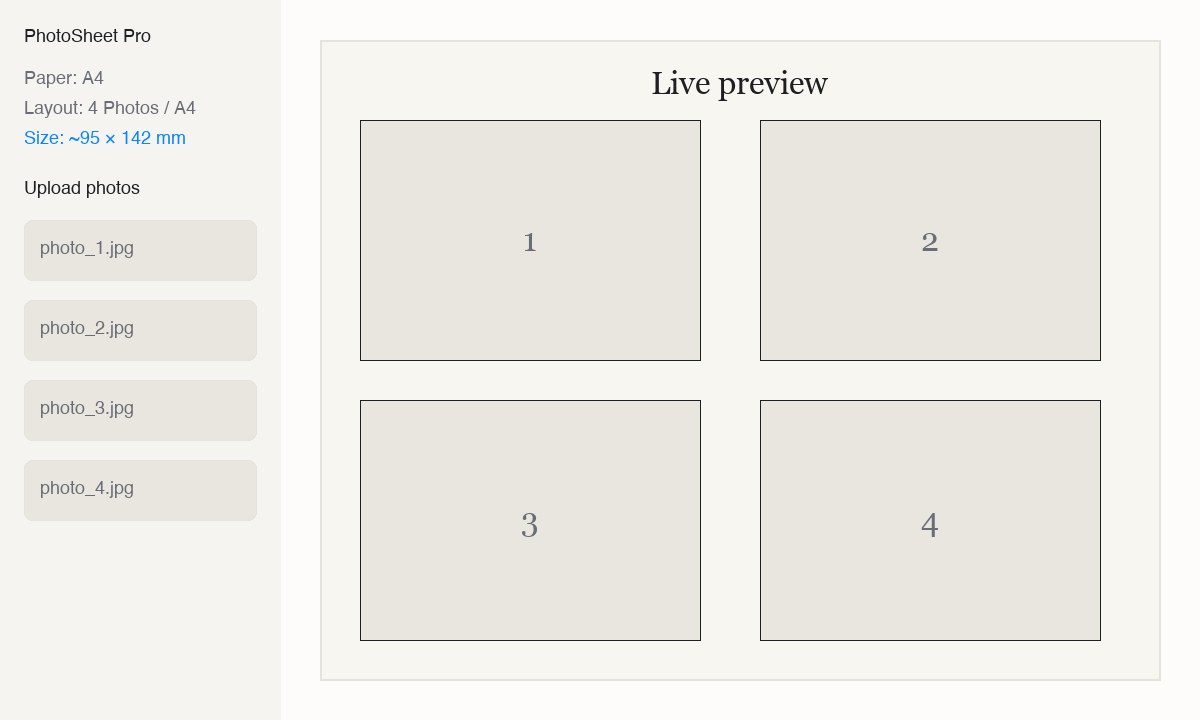
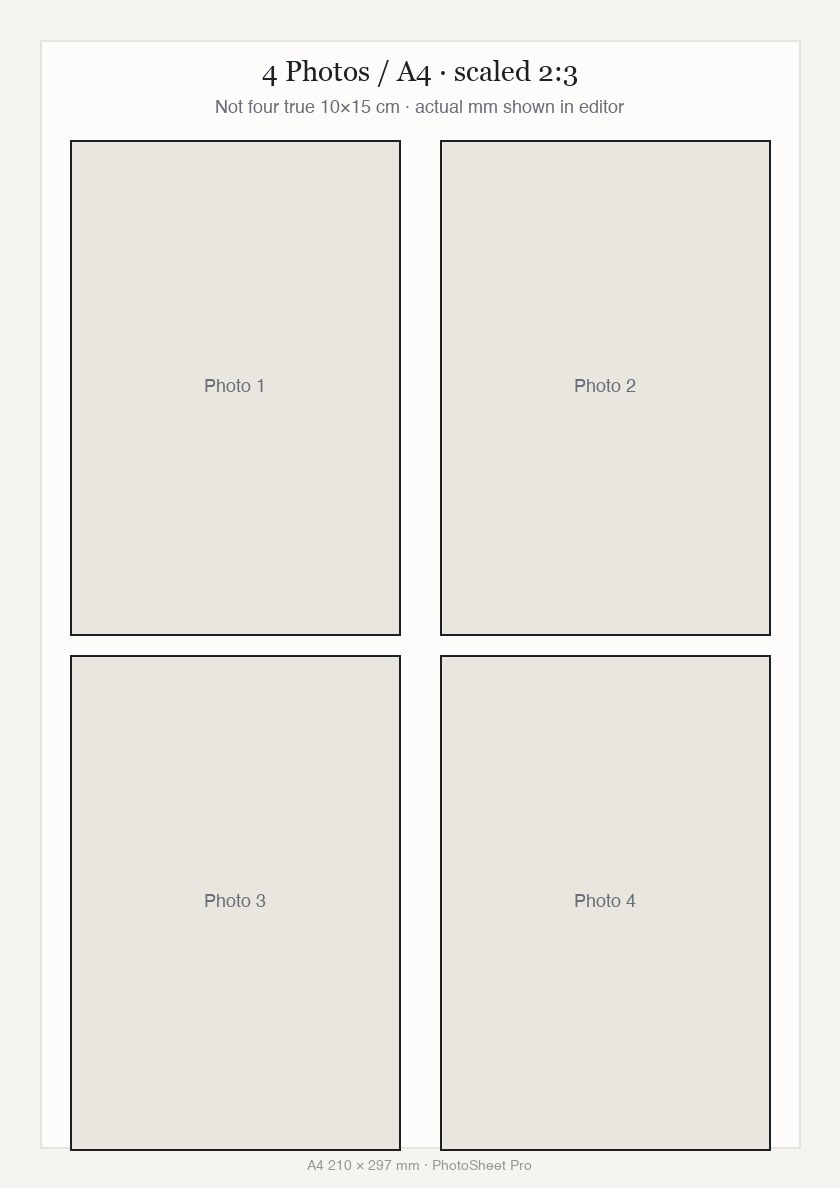
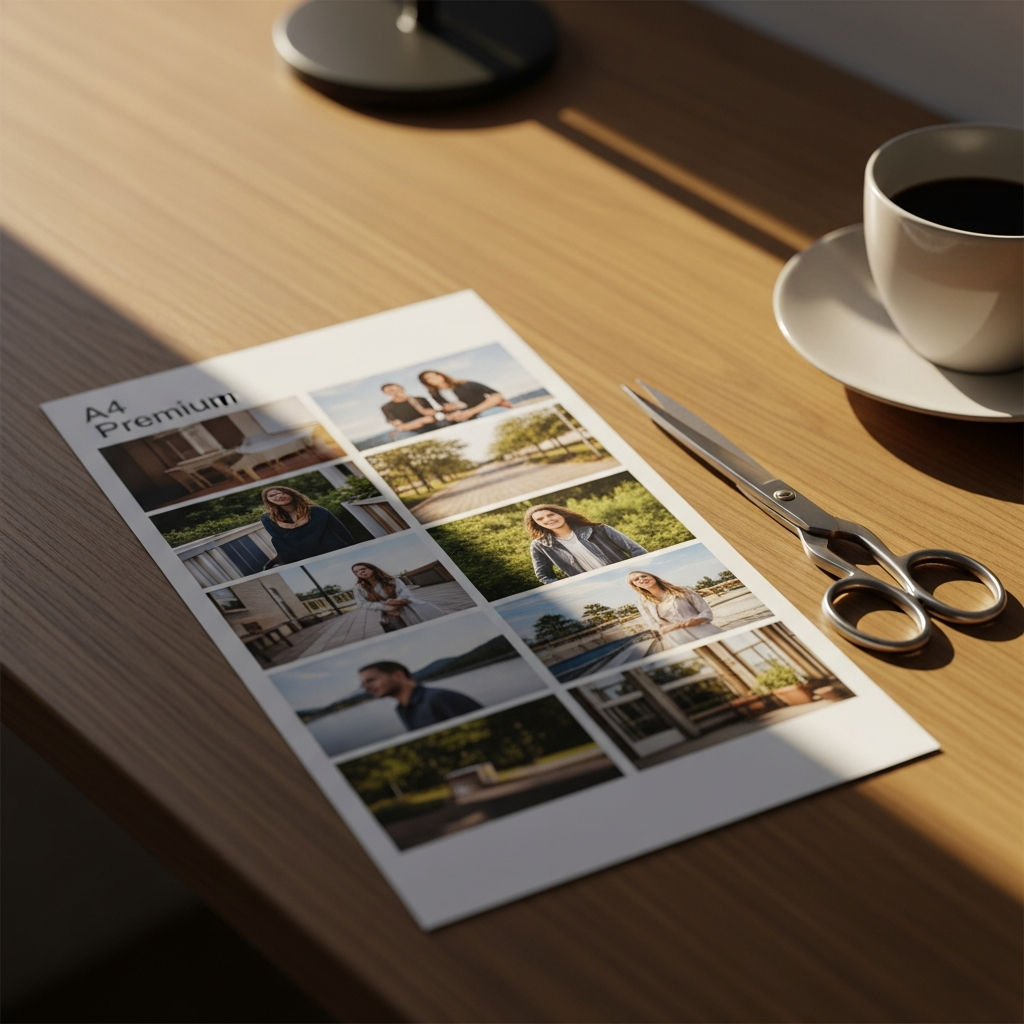
4 Photos / A4 uses scaled 2:3 slots. True-size 10×15 cm fits about 2 per A4.


We’ve all wasted
a pack of paper
trying to print a memory.
Home printers are capable. The software around them is not. Wrong margins, silent scaling, and “Fit to Page” turn careful photos into scrap.
Wasted photo paper
Beautiful, expensive sheets — destined for the bin because of one wrong margin.
Wrong print sizes
10 × 15 turns into 9.7 × 14.2. Close enough is never close enough.
Cropped faces
The smile, the eyes, the moment — sliced off by a hidden default setting.
Settings labyrinth
Borderless? Fit to page? Scale 96%? You shouldn’t need a manual.
Upload.Arrange. Print.
No tutorials. No printer settings. No surprises. You see millimetres before you spend ink.
Upload
Drop in your photos. JPEG and PNG — we keep every pixel.
Arrange
Choose paper and photo size. Use 4 Photos / A4 for a scaled 2:3 collage, or true-size 10×15 (~2 per A4). Drag to refine.
Press print. Your printer does exactly what it should — for once.
Real sizes. Real sheets.
A4, Letter, 4×6, custom millimetres — grids, collages, passport multi-ups, and fill-sheet for identical copies.
4 Photos / A4
4 photos per sheet · scaled 2:3
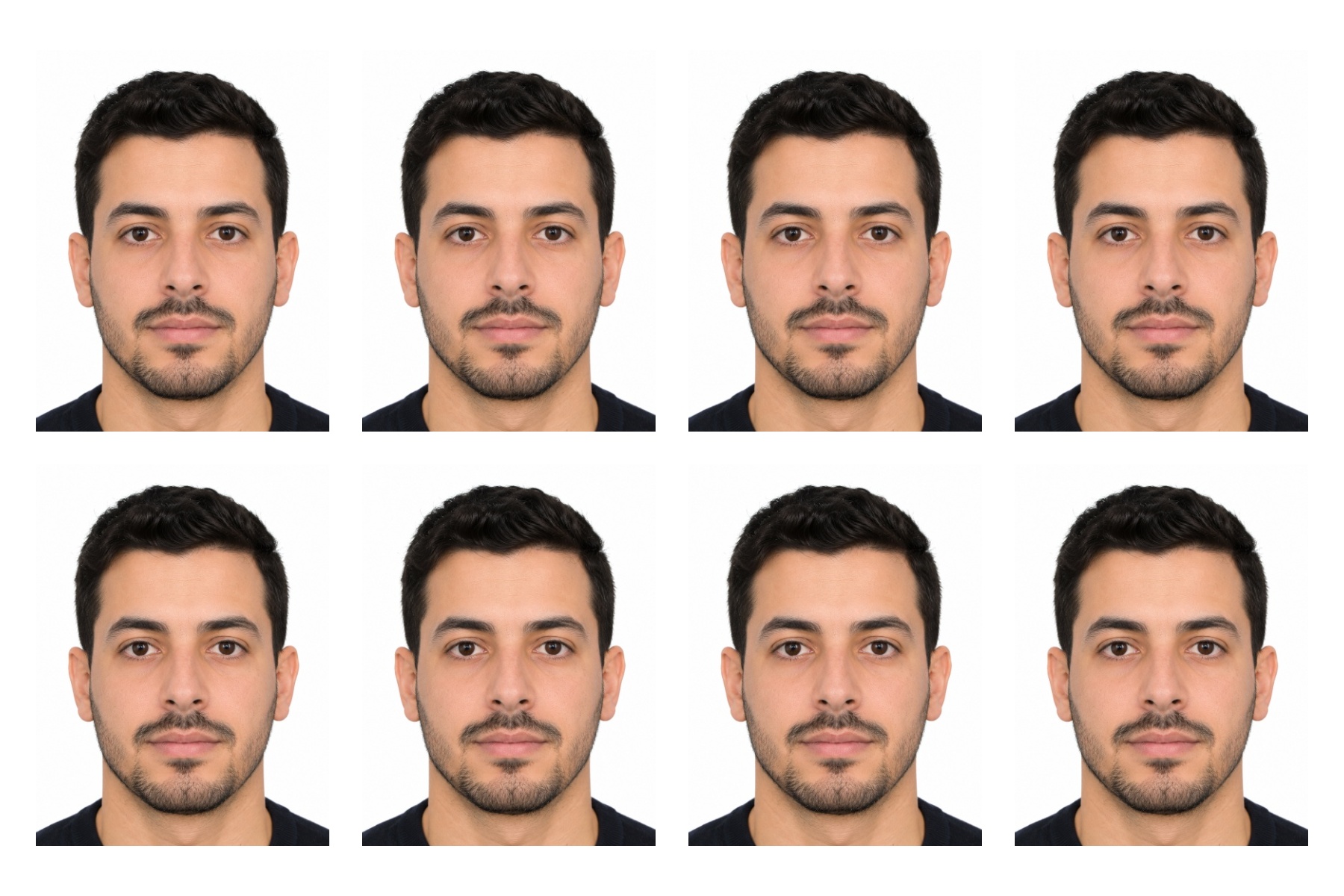
Passport EU 8-up
35×45 mm on 4×6 / 10×15 paper


Letter · grids
US Letter layouts & cut marks


Collage & frames
Polaroid, black frame, shapes
Designed for real paper.
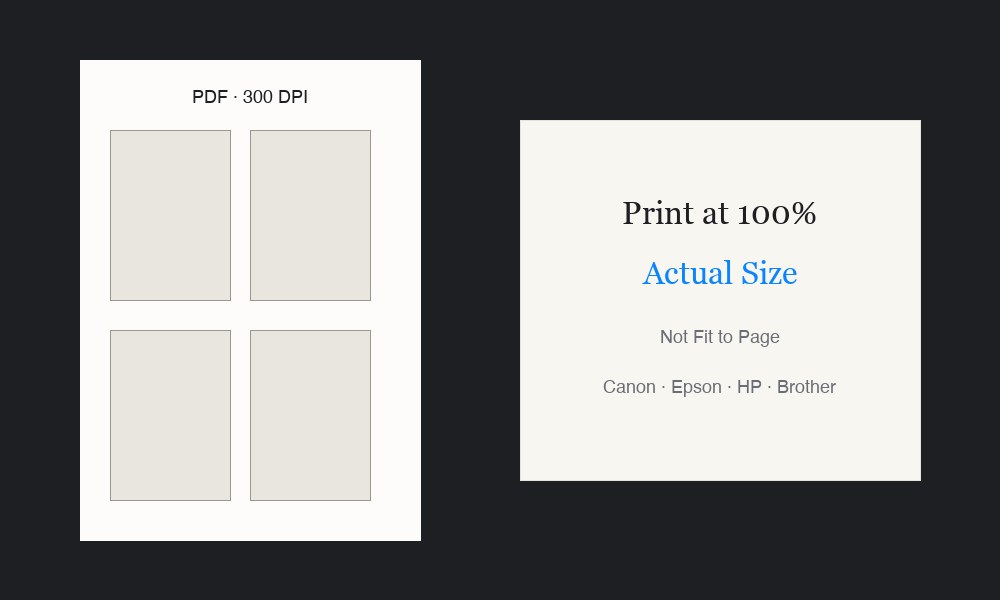
Photos are placed at physical millimetre sizes in a print-ready PDF. Print at 100% / Actual Size so the sheet matches what you set in the editor.
- 4 Photos / A42:3 slots scaled to fit four on one sheet.
- True-size 10×15About two full-size prints per A4 when you need exact cm.
- Cut marks & calibrationOptional guides and per-side mm offsets.
- Print Accuracy100% / Actual Size · mm dimensions · 300 DPI PDF · no silent stretch.


Rearrange, until it feels right.
Drag photos to swap positions. Toggle borders. Switch orientation. Then send to the printer — exactly what you see is what you get.
Tweak the sheet
Digital perfection. Held in your hands.
Scroll down. Watch what we designed on a screen become a real, tactile thing — exactly what you intended, on real paper, on a real desk.


Official sizes. On-device crop. Sheet-ready copies.
EU, UK, US, Canada, China and custom millimetre sizes. Face guides help you crop once — then fill a print sheet for cutting.
Face AI runs on your device
Green = face height · Blue = eye line
Country / size
Replace background
Print sheet
8 photos · 4×6
Finish the photo, then print it right.
Try the editor as a guest. Sign in when you are ready to export a print-ready file at the physical size you chose.
Advanced image edit
Adjust, filter, annotate, watermark, and resize with the built-in editor before you layout the sheet.
Export what you need
Free: PDF at 300 DPI. Pro: PNG and JPEG plus DPI choices (96 / 150 / 300). Sign in to export.
Web and native app
Use PhotoSheet Pro in the browser or the iOS / Android app shell — same print-ready workflow.
Quiet love lettersfrom people who finally print.
Take it everywhere.
PhotoSheet Pro is available as a native app for iPhone, iPad, and Android. Same powerful tools, optimised for touch — home, moodboards, passport studio, and Canva-style export.
Full editing suite
Crop, filters, watermark, and passport-ready tools — all in your pocket.
Lightning fast
Native performance. Smooth layouts, instant exports.
Works offline
No internet needed. Your photos never leave your device.
Coming soon on iOS & Android · Use the web app today
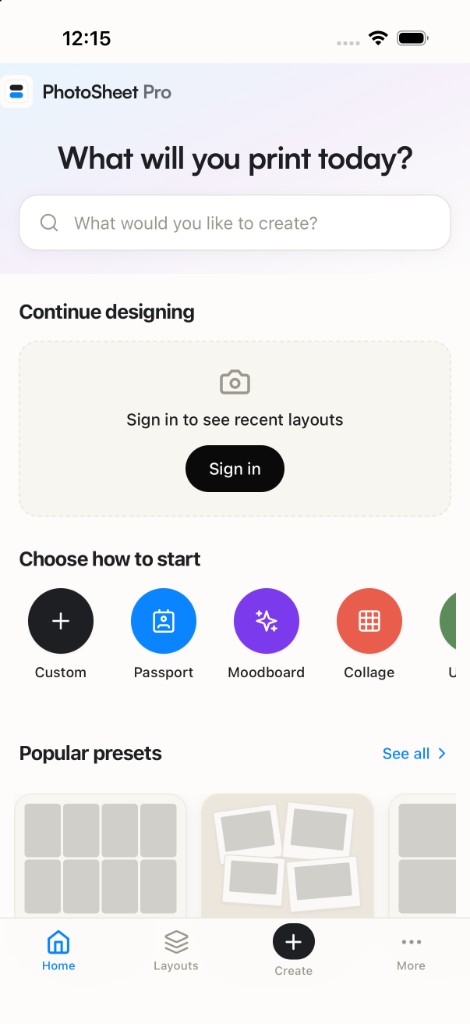
Home
Search, start, and pick a preset
Simple pricing
Start free. Upgrade when you print for real.
Try the editor without an account. Sign in for free weekly exports — or go Pro for unlimited.
7-Day Pass
$3.99
One project week, zero commitment
- Unlimited exports for 7 days
- Full effects + print calibration
- All paper sizes & layouts
- PDF @ 300 DPI
- No subscription — pay once
Pro
$6.99/month
For regular printing
- Unlimited exports
- Full photo effects catalog
- Print calibration offsets
- Cloud project saving
- PNG & JPEG + DPI 96 / 150 / 300
- PDF @ 300 DPI
Cancel anytime · billed in USD
Lifetime Access
$49.00
Pay once, forever
- Unlimited exports — forever
- All Pro features included
- PNG & JPEG + DPI options
- PDF @ 300 DPI
- No recurring payments
Questions, answered calmly.
Ready when your printer is.
Open the editor, drop in a photo, and export a sheet that prints at the size you chose.