PhotoSheet Pro
Print 4 Photos on One A4 Sheet
Four photos on one A4 — scaled 2:3 to fit honestly.
Choose the 4 Photos / A4 preset, adjust margins and gaps, and export a PDF with the calculated physical dimensions. Print at 100% / Actual Size.
Can I put 4 photos on one A4 page?
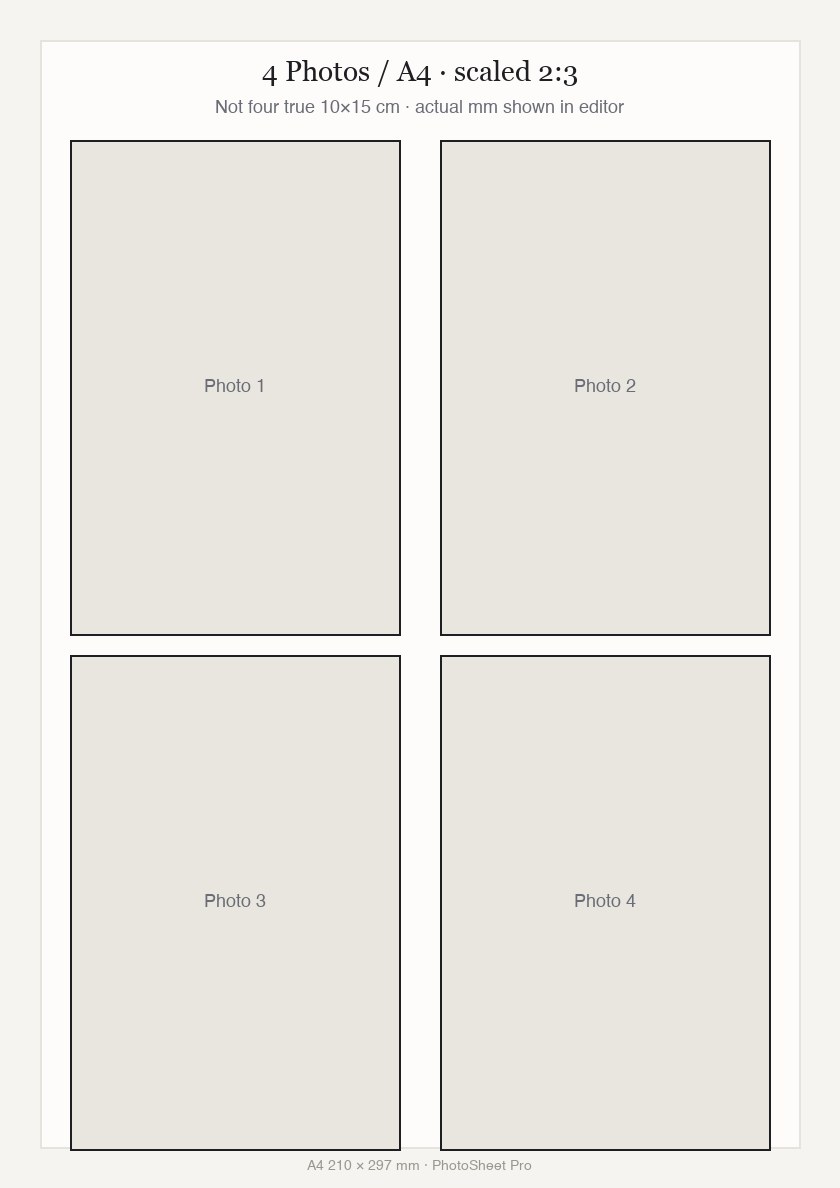
Yes. PhotoSheet Pro’s “4 Photos / A4” layout places four 2:3 photos in a 2×2 grid, scaled to the largest size that fits your margins and spacing. This is not four true 10×15 cm prints — those only fit about two per A4 at full size. The editor shows the actual millimetre size of each slot.
Free to try · No account required · Photos stay on your device
Quick facts
- Millimetres
- Calculated 2:3 slots on 210 × 297 mm
- Centimetres
- Scaled — not four true 10×15
- Inches
- Scaled 2:3 on A4
- Aspect ratio
- 2:3 per slot
How many fit on a sheet
- 4 Photos / A44 scaled slots
- True 10×15 on A4~2 — Use the 10×15 tool instead.
Important when printing
Select Actual Size / 100% in your printer dialog. Do not select “Fit to Page” or “Scale to Fit” — that changes the physical size.
Print settings checklist
- Export a PDF from PhotoSheet Pro at the paper size you will load.
- In the print dialog choose Actual Size or 100% scale.
- Turn off Fit to Page, Scale to Fit, and “shrink to printable area”.
- Select the matching paper size in the printer tray settings.
- If using borderless, expect slight overscan crop — add a small margin if edges matter.
4 Photos / A4 vs true 10×15 cm
True 10×15 cm (100 × 150 mm) cannot fit four times on A4 (210 × 297 mm). The 4 Photos / A4 preset keeps the familiar 2:3 ratio and scales down so all four fit. Want exact centimetres? Use a true-size layout (~2 per A4) instead.
How the size is calculated
Usable area = A4 minus your margins. With a 2×2 grid and your chosen gap, PhotoSheet Pro solves the largest 2:3 rectangle that fits. Change margin or spacing and the photo size updates.
Print at 100%
Export the PDF and print at Actual Size / 100%. Do not use Fit to Page, or the calculated millimetres will no longer match the print.
Frequently asked questions
- Do four true 10×15 cm photos fit on A4?
- No. At true size, typically up to two fit. The 4 Photos / A4 preset scales 2:3 slots so four fit on one sheet.
- What size will each photo be?
- It depends on your margins and spacing. The editor displays the calculated width × height in millimetres.
- Can I add cutting guides?
- Yes — enable cut lines in the layout settings.
Related
Free to try · No account required · Photos stay on your device