PhotoSheet Pro
10×15 cm Photo Size
Exact millimetres for the most common metric photo print.
Convert sizes, see how many fit on A4 or 4×6 paper, then open the editor to layout a true-size sheet.
What size is a 10×15 cm photo?
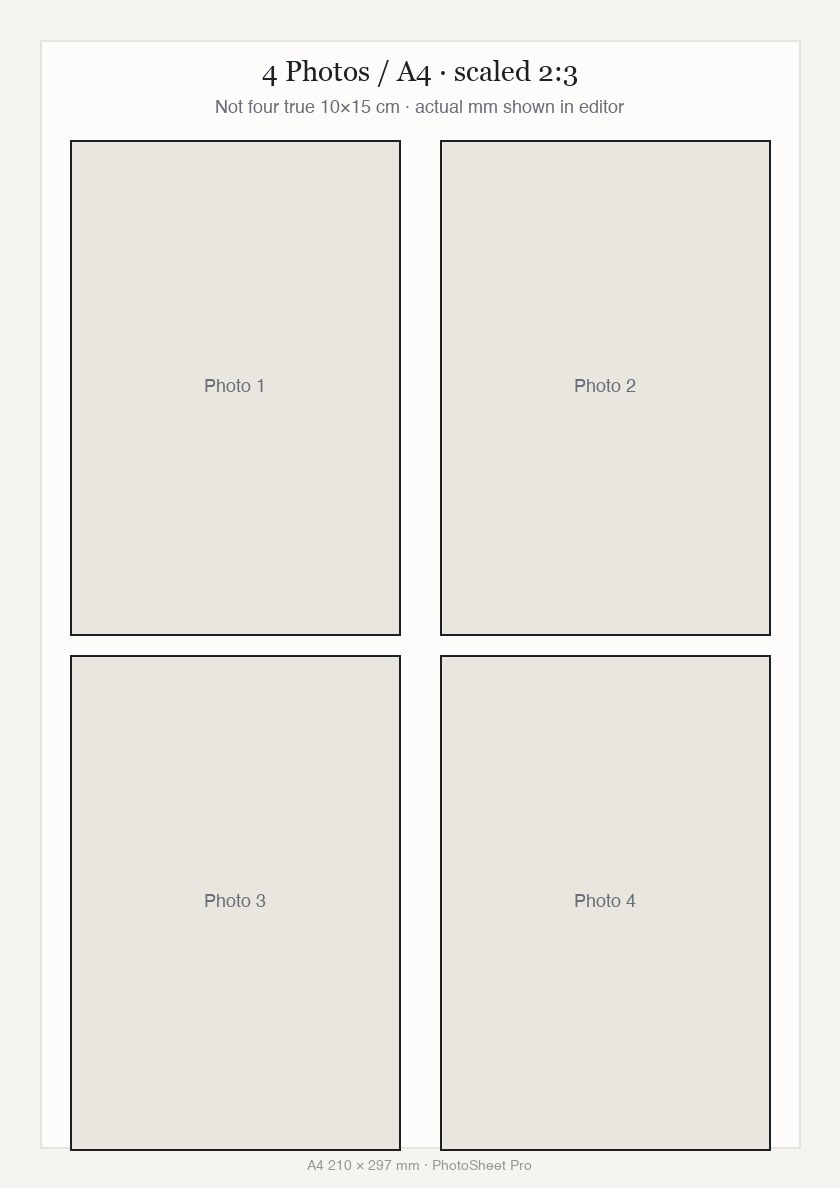
A 10×15 cm photo is 100 × 150 mm (about 3.94 × 5.91 inches), aspect ratio 2:3. At 300 DPI that is roughly 1181 × 1772 pixels. At true size, typically up to two fit on A4; use PhotoSheet Pro for a print-ready PDF at 100% / Actual Size.
Free to try · No account required · Photos stay on your device
Quick facts
- Millimetres
- 100 × 150 mm
- Centimetres
- 10 × 15 cm
- Inches
- 3.94 × 5.91 in
- Aspect ratio
- 2:3
- Pixels at 300 DPI
- 1181 × 1772 px
How many fit on a sheet
- A4 (210 × 297 mm)Up to ~2 at true size — Four true-size 10×15 prints do not fit without shrinking.
- Letter (215.9 × 279.4 mm)Up to ~2 at true size — Similar packing limit to A4.
- 4×6 / 10×15 paper1 full-bleed print — Or many smaller passport/wallet sizes.
Important when printing
Select Actual Size / 100% in your printer dialog. Do not select “Fit to Page” or “Scale to Fit” — that changes the physical size.
Print settings checklist
- Export a PDF from PhotoSheet Pro at the paper size you will load.
- In the print dialog choose Actual Size or 100% scale.
- Turn off Fit to Page, Scale to Fit, and “shrink to printable area”.
- Select the matching paper size in the printer tray settings.
- If using borderless, expect slight overscan crop — add a small margin if edges matter.
10×15 cm vs 4×6 inches
Same 2:3 family, not identical: 10×15 cm = 100 × 150 mm; 4×6 in = 101.6 × 152.4 mm. Choose deliberately for frames and cutters.
How to print 10×15 cm at exact size
1) Open the 10×15-on-A4 tool or editor. 2) Set photo size to 10×15 cm. 3) Place photos (about two per A4). 4) Export PDF. 5) Print at 100% / Actual Size.
Frequently asked questions
- How many 10×15 cm photos fit on A4?
- Typically up to two at true size, depending on margins and gaps.
- What is 10×15 cm in inches?
- About 3.94 × 5.91 inches — close to, but not the same as, 4×6 in.
- What pixel size at 300 DPI?
- Roughly 1181 × 1772 pixels for a 100 × 150 mm print.
Related
Free to try · No account required · Photos stay on your device