PhotoSheet Pro
A4 Paper Size for Photo Printing
The standard home-printer sheet — exact millimetres for photo layouts.
Fit counts for common photo sizes, print checklist, and tools that open on A4.
What is A4 paper size?
A4 is 210 × 297 mm (8.27 × 11.69 in). At true size, typically up to two 10×15 cm or 4×6 in photos fit per sheet. Use PhotoSheet Pro to arrange photos and print the PDF at Actual Size / 100%.
Wypróbuj za darmo · Bez konta · Zdjęcia zostają na Twoim urządzeniu
Quick facts
- Millimetres
- 210 × 297 mm
- Centimetres
- 21 × 29.7 cm
- Inches
- 8.27 × 11.69 in
- Aspect ratio
- 1:√2 (ISO)
How many fit on a sheet
- 10×15 cm photosUp to ~2 true size
- 4×6 in photosUp to ~2 true size
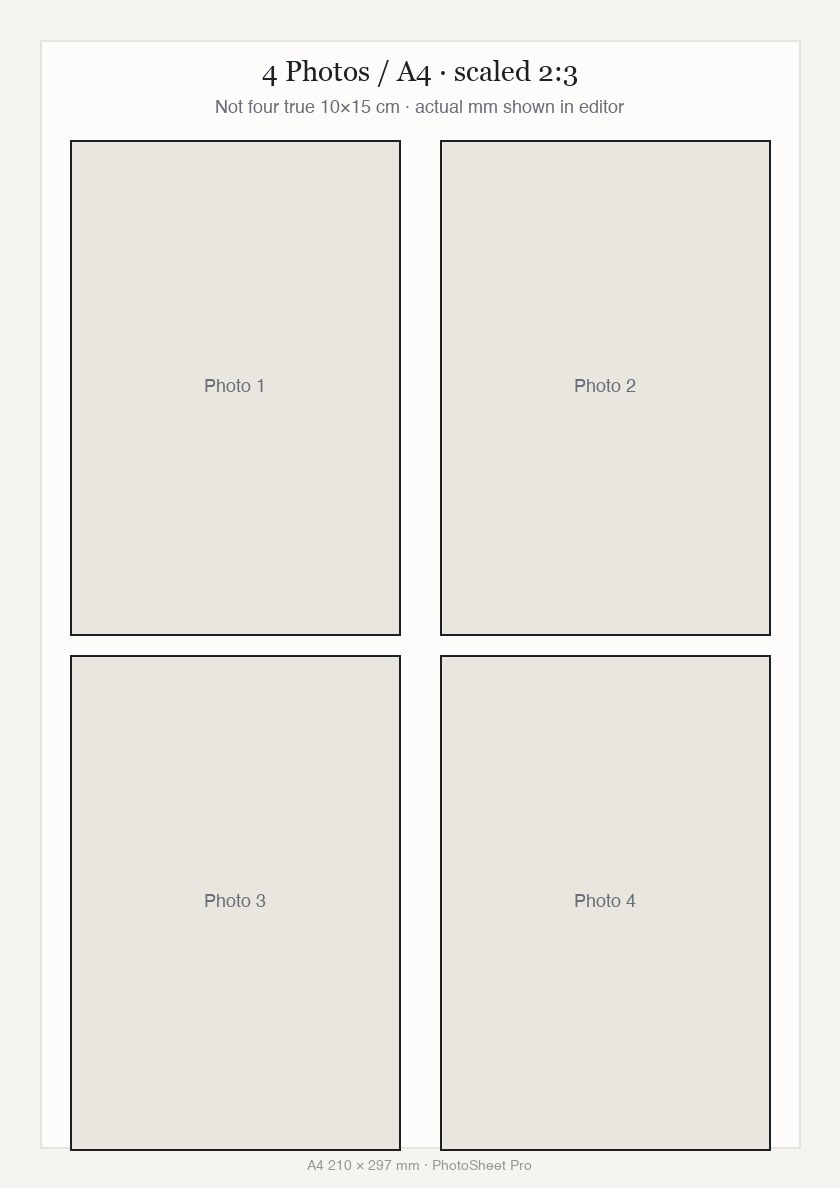
- 4 Photos / A4 (scaled 2:3)4 slots — Not four true 10×15 prints.
- Passport / walletMany — Smaller IDs pack densely.
Ważne przy drukowaniu
Wybierz Actual Size / 100% w oknie drukarki. Nie wybieraj „Fit to Page” ani „Scale to Fit” — to zmienia fizyczny rozmiar.
Print settings checklist
- Export a PDF from PhotoSheet Pro at the paper size you will load.
- In the print dialog choose Actual Size or 100% scale.
- Turn off Fit to Page, Scale to Fit, and “shrink to printable area”.
- Select the matching paper size in the printer tray settings.
- If using borderless, expect slight overscan crop — add a small margin if edges matter.
How many photos fit on A4?
It depends on each photo’s physical size, orientation, margins, and gaps — not a fixed collage grid. True-size 10×15 ≈ two; scaled 2:3 four-up is a different layout.
Print photos on A4 at exact size
Choose A4 in PhotoSheet Pro, set each photo’s millimetres, export PDF, print at 100%. Avoid Fit to Page.
Często zadawane pytania
- How many 4×6 photos fit on A4 paper?
- Typically up to two at true size.
- Can I print multiple different photos on one A4?
- Yes — place different images in each slot.
Powiązane
Wypróbuj za darmo · Bez konta · Zdjęcia zostają na Twoim urządzeniu